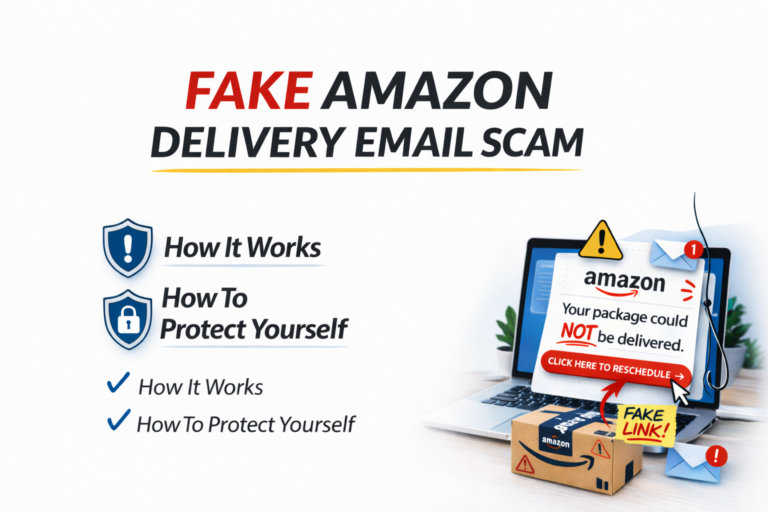
Over the past few years, scammers have started sending fake Amazon delivery emails that look incredibly convincing.
The message usually claims there is a problem with a package delivery or that a recent order needs confirmation.
It might say something like:
Amazon Delivery Notice: Your package could not be delivered.
Please confirm your address here to reschedule delivery.
For many people this immediately raises concern.
“Wait… did I order something?”
Because so many people shop online, these messages often catch victims off guard.
But in many cases, the message is actually part of a fake Amazon delivery email scam designed to steal personal information.
How the Fake Amazon Delivery Email Scam Works
The fake Amazon delivery email scam relies on phishing techniques.
Scammers send emails that appear to come from Amazon, complete with logos and formatting that look legitimate.
The email typically includes a link that claims to help you:
• track a package
• confirm your address
• review a suspicious order
• update payment information
Once someone clicks the link, they are taken to a fake Amazon login page.
If the victim enters their username and password, the scammers immediately gain access to their Amazon account.
In some cases the fake site asks for credit card information or billing details, which are then stolen.
Why This Scam Works
The fake Amazon delivery email scam works because it takes advantage of normal online shopping behavior.
Many people receive multiple packages each week.
So when a message claims there is a delivery problem, it often seems believable.
Scammers depend on that moment of confusion.
They hope people click the link quickly without verifying whether the message is legitimate.
Warning Signs of the Fake Amazon Delivery Email Scam
There are several red flags that can help you identify this scam.
Look for:
• emails from unusual sender addresses
• poor grammar or strange wording
• links that do not go to Amazon.com
• urgent messages demanding immediate action
If you ever receive a suspicious message about a delivery, do not click the link in the email.
Instead, open your browser and go directly to Amazon.com to check your orders.
How to Protect Yourself
You can reduce your risk of phishing scams by following a few simple habits.
• Never click links in unexpected emails about purchases or deliveries
• Always log in directly through the official website or app
• Enable two-factor authentication when possible
• Monitor your accounts for suspicious activity
Small habits like these can stop many phishing attacks before they start.
Final Thoughts
The fake Amazon delivery email scam is just one example of how scammers use everyday situations to trick people into giving away personal information.
Because so many people shop online, these types of scams are becoming more common every year.
Understanding how these scams work is one of the best ways to stay safe online.
If you’d like a simple step-by-step system for protecting your online accounts, download my Free Internet Security Guide here: