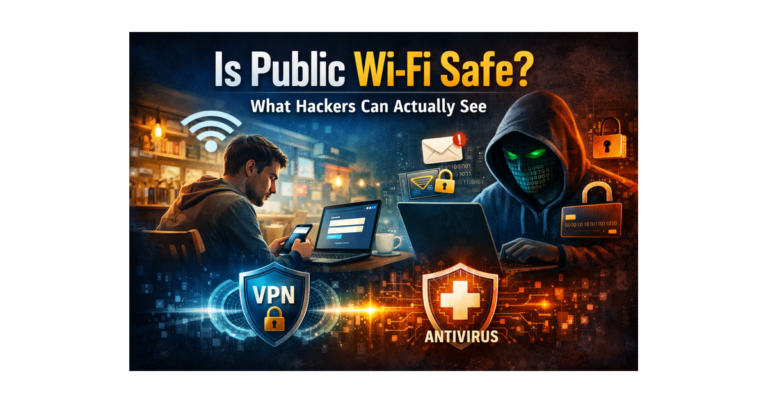
Is Public Wi-Fi Safe? What Hackers Can Actually See
You’re sitting in a coffee shop.
Laptop open.
Phone connected.
You tap into:
👉 “Free_WiFi”
You check your email.
You log into your bank.
Maybe even your crypto account.
It feels normal.
Routine.
Safe.
But here’s the uncomfortable truth:
👉 Public Wi-Fi isn’t dangerous because it’s evil
👉 It’s dangerous because you don’t control it
And when you don’t control something…
👉 You’re trusting it.
🧠 What Public Wi-Fi REALLY Is (Simple Explanation)
When you connect to public Wi-Fi in a:
- Coffee shop
- Hotel
- Airport
- Restaurant
You’re not just “on the internet.”
👉 You’re joining a shared network
Think of it like this:
You just walked into a room full of strangers…
and connected your device to the same system they’re using.
Most of the time, nothing happens.
But sometimes…
👉 someone in that “room” is watching
😳 What Hackers Can Actually See (Real Examples)
Let’s break this down simply.
🔓 1. Your Information (If It’s Not Protected)
If a website isn’t fully secure…
Someone on the same network could see:
- What you type
- Login details
- Forms you submit
Example:
You log into a small website that isn’t fully secure.
👉 Your username and password could be exposed
Big sites are usually safe…
👉 But attackers don’t go after strong targets
👉 They look for weak ones
🎭 2. Fake Wi-Fi Networks (This Is More Common Than You Think)
This is one of the easiest scams.
Someone creates a Wi-Fi network named:
- “Starbucks_Free”
- “Hotel_Guest”
- “Airport_WiFi”
It looks real.
So you connect.
👉 But you didn’t connect to the business…
👉 You connected to the attacker
Now everything you do:
- Websites you visit
- Logins
- Data
👉 flows through THEIR system
🔄 3. “Middleman” Attacks (You Don’t See It Happening)
This one is harder to notice.
You think you’re talking to your bank.
But someone is quietly sitting in between:
👉 You ↔ Hacker ↔ Website
They can:
- Watch your activity
- Change what you see
- Redirect you
And you may never know.
🛡️ So What Does a VPN Actually Do?
A VPN (Virtual Private Network) protects your connection.
📌 Simple explanation:
It creates a secure tunnel between your device and the internet.
So instead of your data being visible on the network…
👉 It becomes scrambled (encrypted)
That means:
✔ People on the network can’t read your data
✔ Fake Wi-Fi setups can’t easily spy on you
✔ Attacks become much harder
✔ Your real location is hidden
Tools like NordVPN or Surfshark are designed specifically for this.
👉 It doesn’t make you invisible
👉 It makes you protected
⚠️ But This Is Where People Get It WRONG
A VPN protects your connection…
👉 It does NOT protect your device
Example:
You’re on hotel Wi-Fi.
You open an email that looks real.
You download a file.
👉 That file is malware
Your VPN did its job.
But it can’t:
- Scan files
- Detect viruses
- Stop bad downloads
That’s NOT what it’s built for.
🧠 Why Antivirus Still Matters
This is your second layer.
Antivirus protects your device from:
- Malware
- Ransomware
- Fake downloads
- Suspicious activity
A trusted option like Bitdefender Total Security can:
✔ Scan downloads
✔ Block dangerous files
✔ Stop threats before they run
👉 VPN = connection protection
👉 Antivirus = device protection
You need both.
🧩 How This Fits Into Your Overall Security
Public Wi-Fi is just ONE part of the bigger system.
If you want to see how everything connects:
👉 https://securewithvpn.com/the-5-layers-of-online-security/
Because real protection isn’t one tool.
👉 It’s layers working together
🚀 Simple Takeaway
Public Wi-Fi isn’t evil.
It’s just open.
👉 Anyone can join
👉 Anyone can watch
👉 Anyone can try something
So your job is simple:
- Protect your connection (VPN)
- Protect your device (antivirus)
- Be aware of what you click
That’s it.
🎯 Want a Simple System (No Guessing)?
If you want a clear, step-by-step way to protect yourself without confusion:
👉 Download the Free Internet Security Playbook
⚠️ Final Thought
Most people don’t get hacked because of one big mistake.
👉 It’s small gaps… stacked together
Close the gaps.
And everything becomes harder to break.